Downloading AR-DUINO-M
Experience the hands-on augmented reality microcontroller laboratory directly on your Android phone.
How to Install on Android
Because AR-DUINO-M is distributed directly without the Play Store, follow these standard sideloading steps:
Download APK
Save AR-DUINO-M-final.apk (127 MB) to your Android device storage.
Allow Unknown Apps
If prompted with "File might be harmful", select Download anyway. In settings, allow browser installs.
Install & Open
Tap the completed download notification or open in Files app, then tap Install.
Grant Camera Access
Allow camera permissions on first launch so Vuforia AR can track printed or screen-displayed image targets.
Google Play Protect Notice
Play Protect may display a prompt stating "Unrecognized app" because the APK is distributed outside Google Play. Tap More details then Install anyway to proceed safely.
What You'll Experience in AR-DUINO-M
Authentic high-resolution captures from the native Android application:
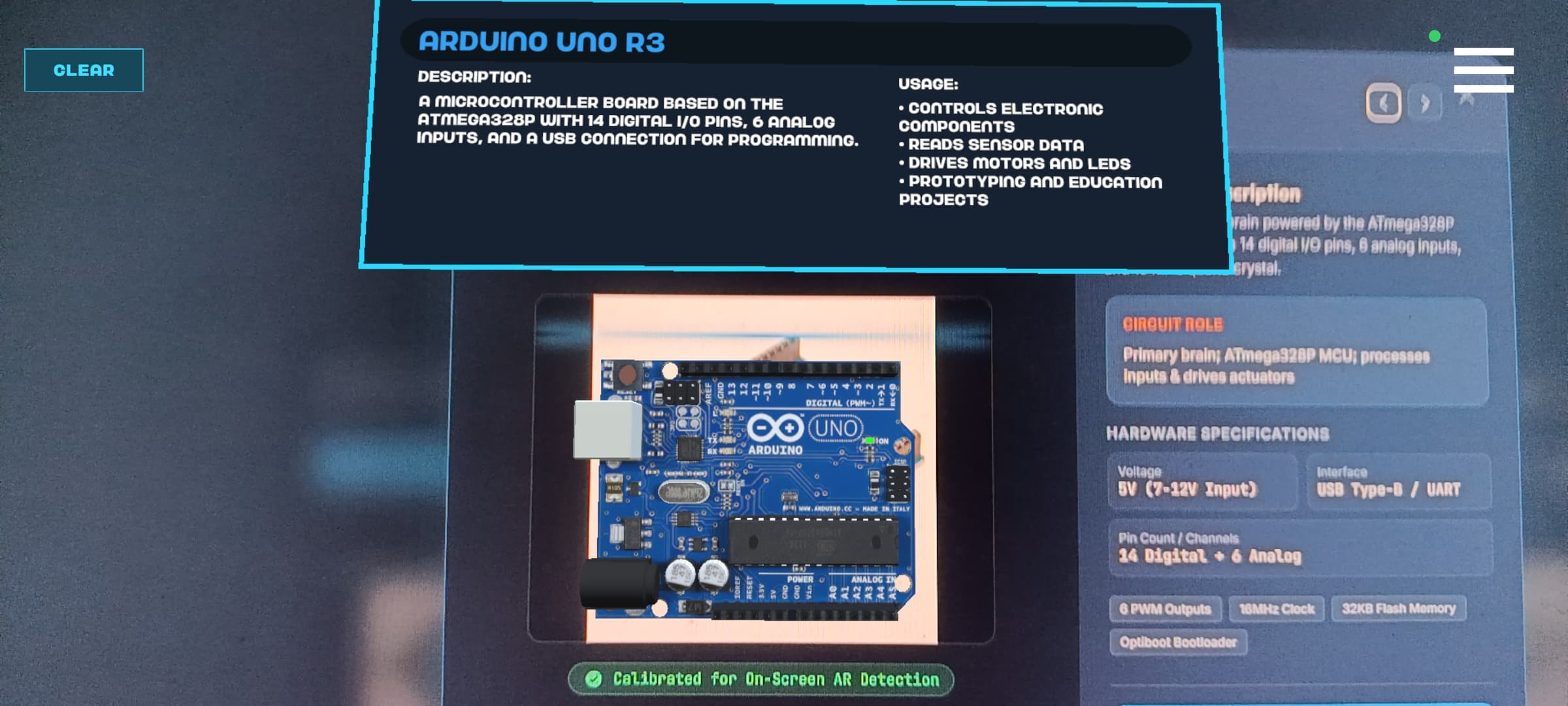
Live AR Component Tracking
Hover your camera over printed or screen markers to materialize 3D digital twins with pinouts and specs.
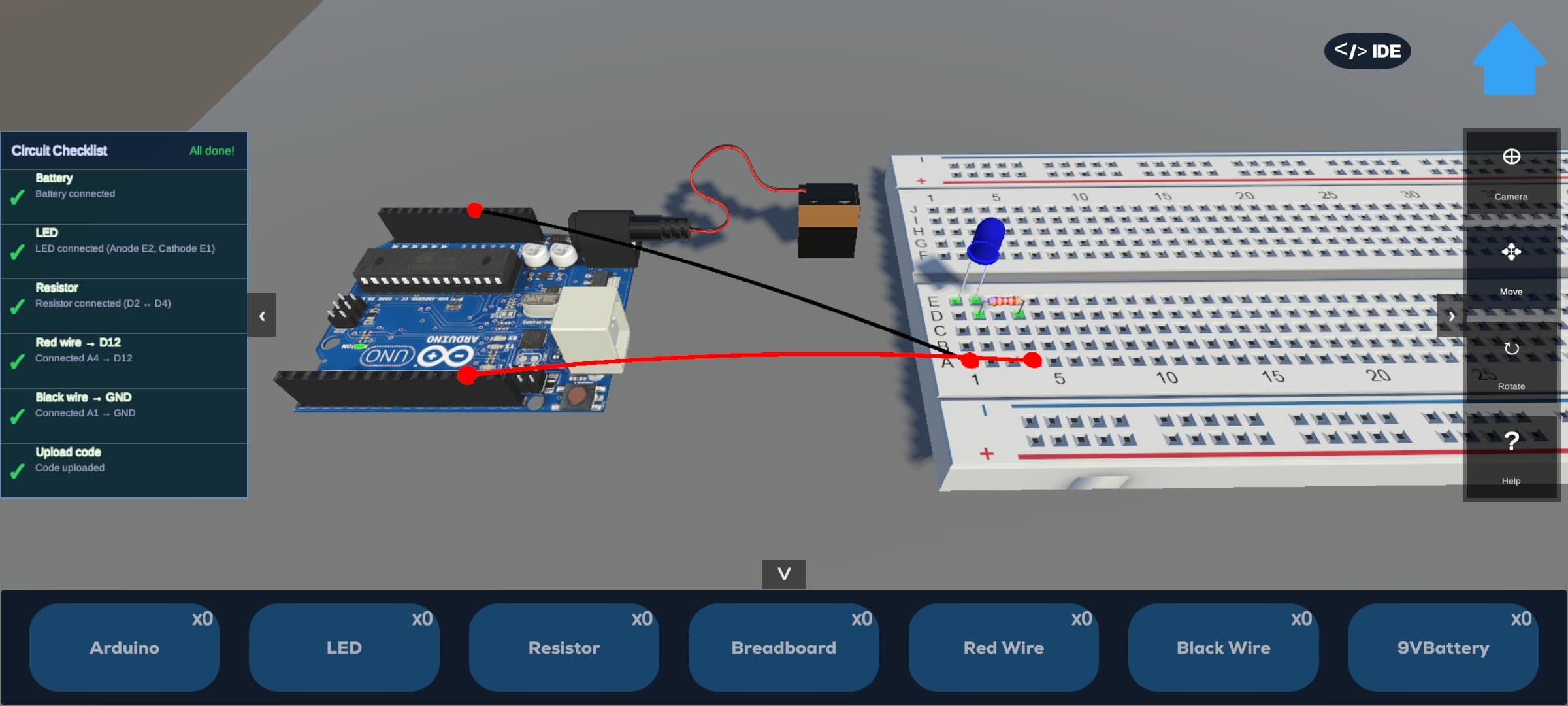
Virtual Circuit Assembly
Interactive snap-to-grid breadboard wiring, code simulation, and real-time validation checklists.
Ready to experiment?
While the APK installs, explore the target library or interactive tutorials: